OMAPLEX
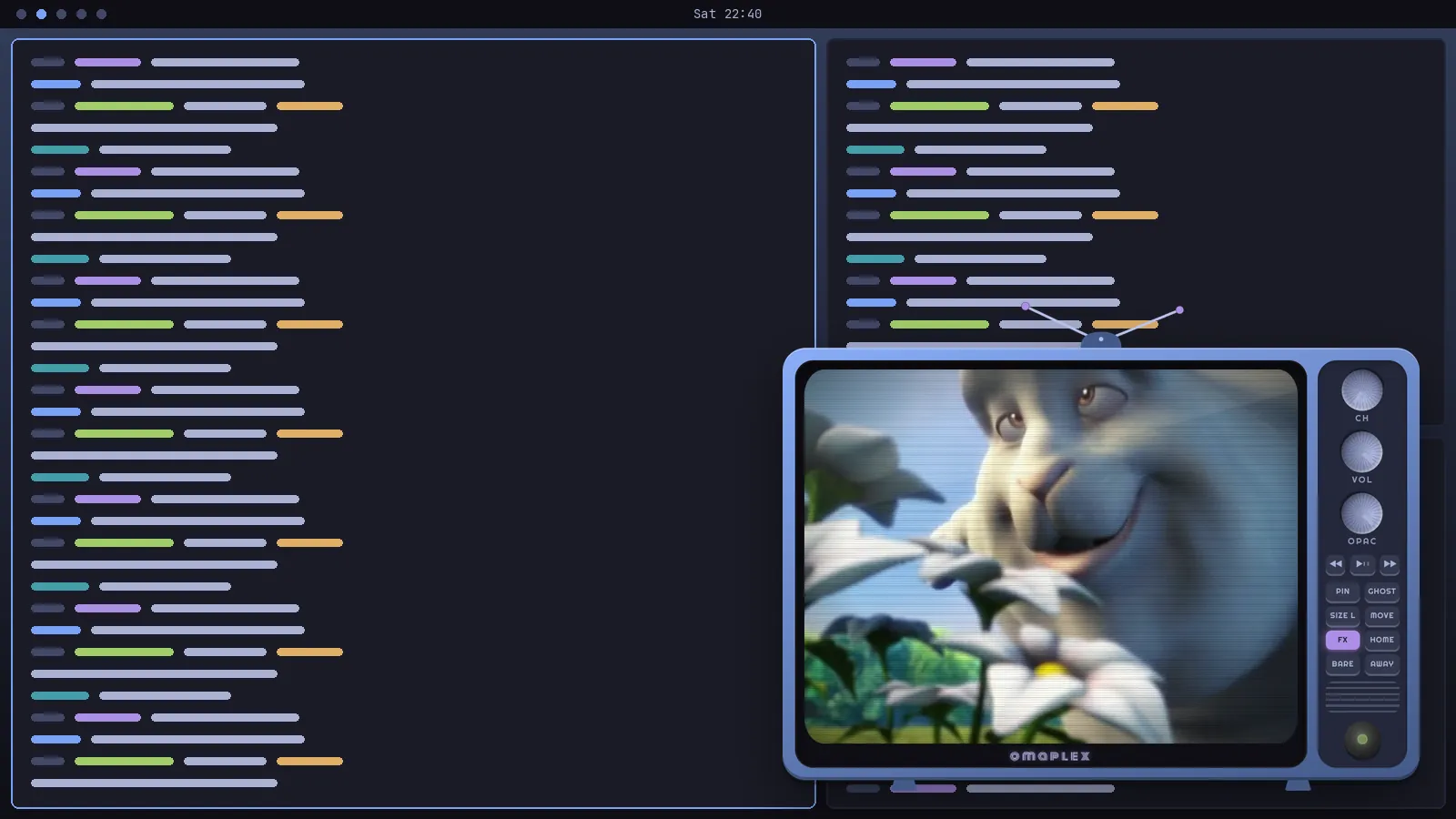
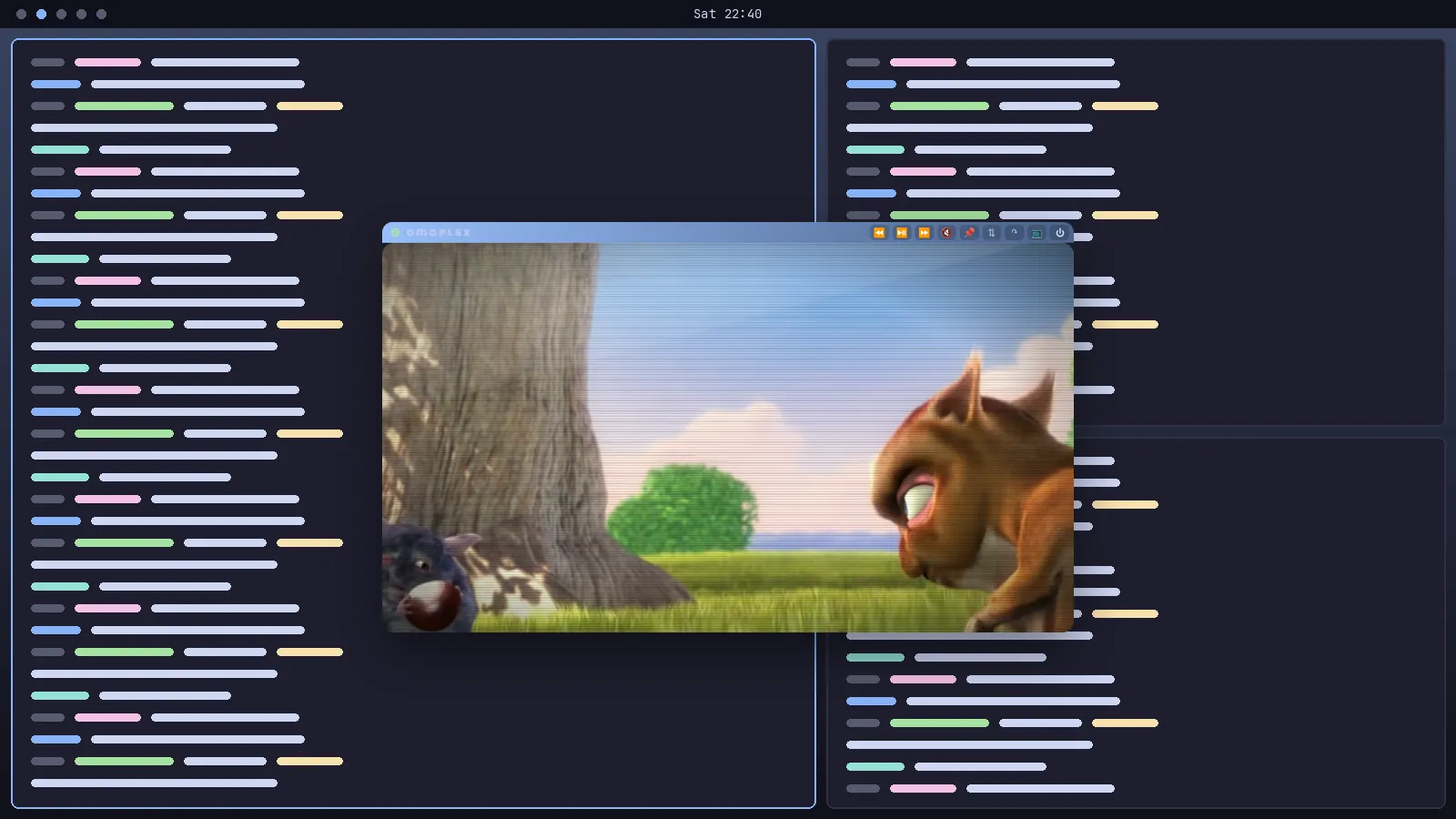
A floating CRT TV for Plex on Omarchy. It hovers over your tiling grid, follows you across workspaces and never takes a tile.
INSTALL
For Omarchy with the Lua Hyprland config (Hyprland 0.56 or later). You'll need git,
jq and npm; if you don't have them, run omarchy pkg add nodejs npm.
$ curl -fsSL https://raw.githubusercontent.com/squatchware/omaplex/main/install.sh | bash
Then press Super Alt P and sign in to Plex once. The installer is short and worth reading first:
install.sh. It backs up anything it edits,
and rolls itself back if Hyprland reports a config error.
SCREENS
THE CHANNELS
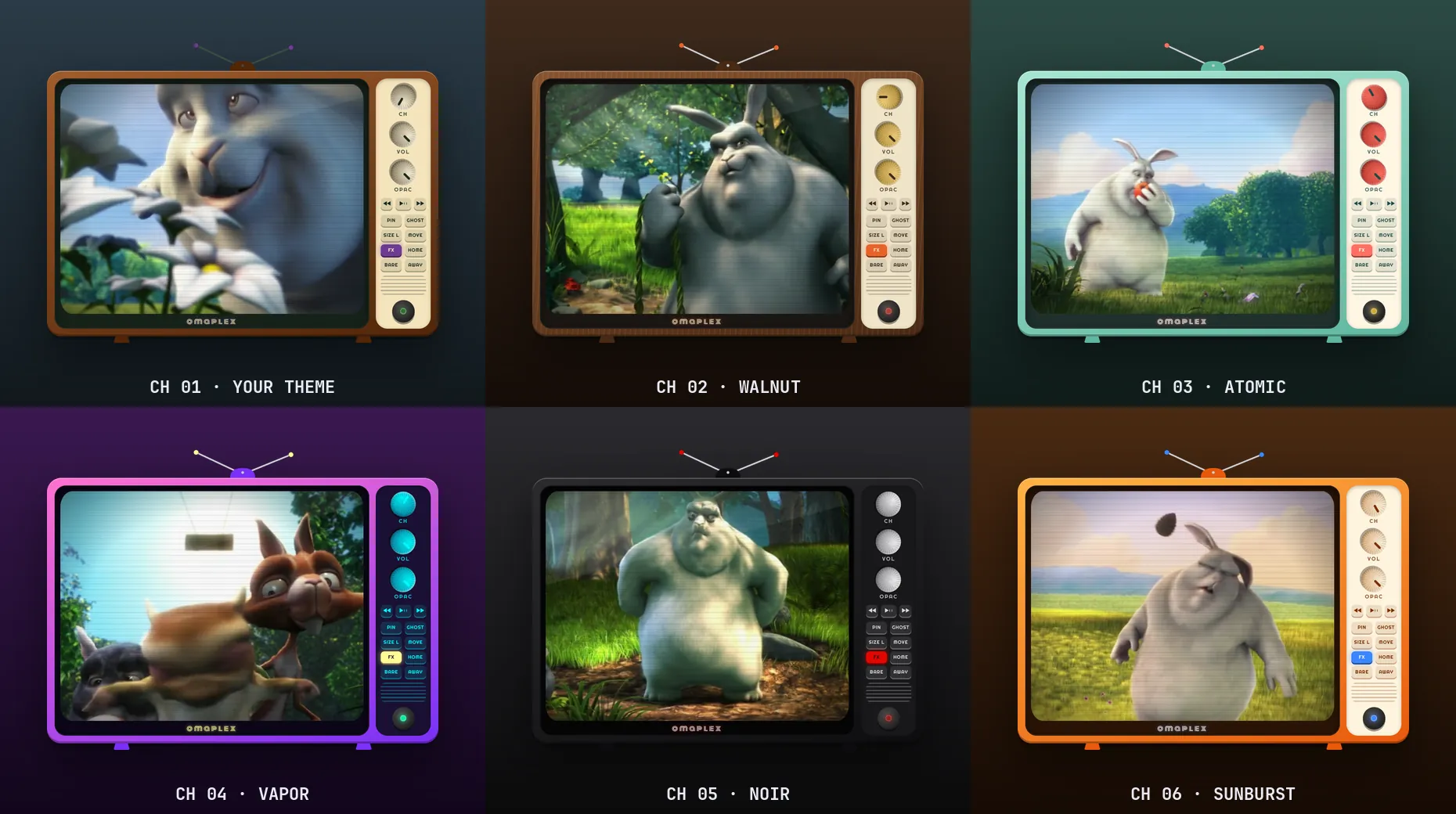
The channel knob swaps the whole set. Click it, scroll it, or right-click to go back a channel.
- CH 01Your Omarchy theme, live.
- walnutWood grain, brass knobs, cream panel.
- atomicFifties mint with red knobs.
- vaporPink to purple, neon cyan dials.
- noirGloss black, chrome, one red light.
- sunburstOrange cabinet, blue accents.
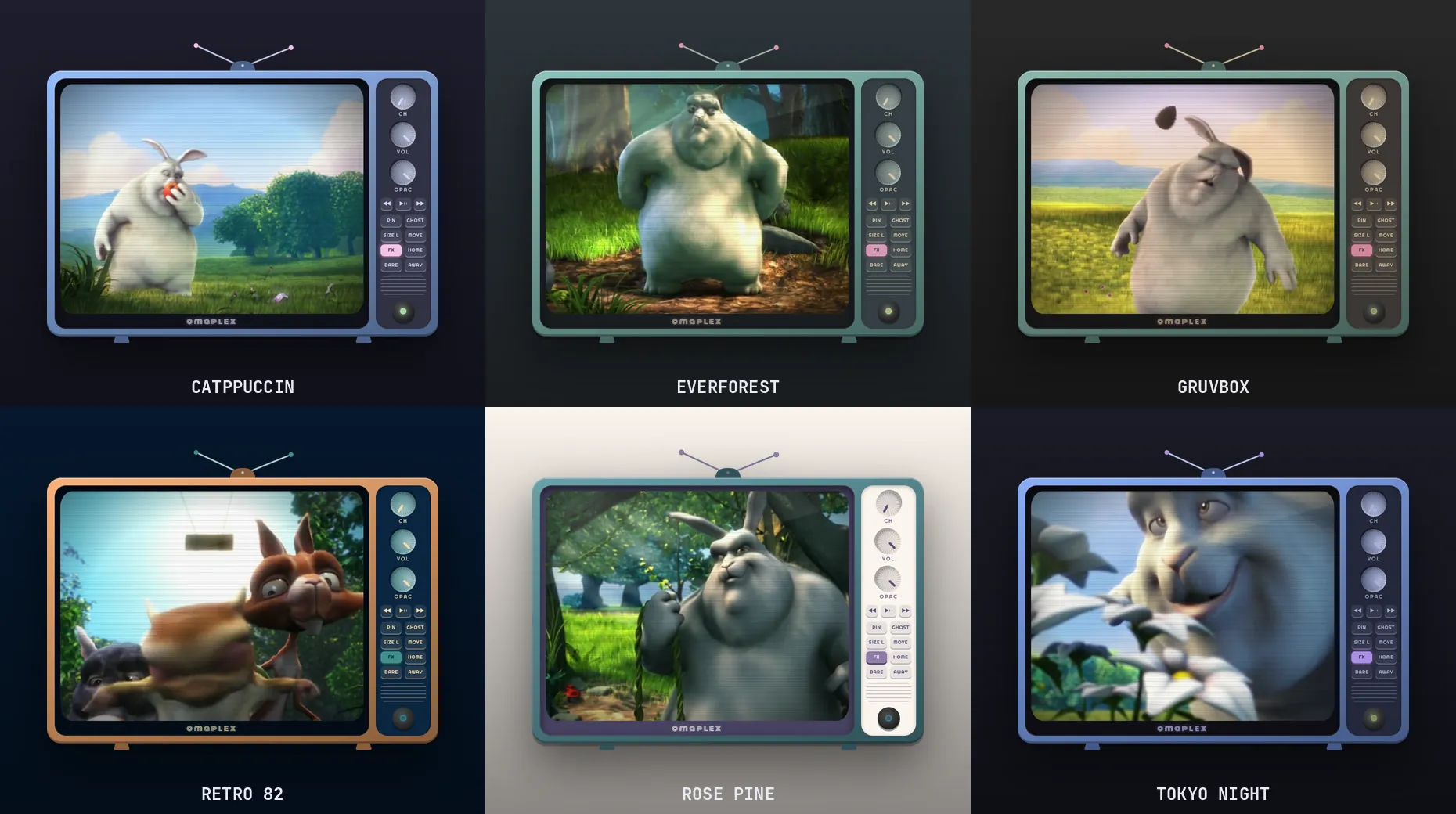
IT WEARS YOUR THEME
Channel 1 builds the cabinet, panel, knobs, antennas and on-screen text from your current theme's
colors.toml. Run omarchy theme set and the TV repaints itself with a burst of static,
without a restart. It handles light and dark themes.
THE MANUAL
THE PANEL
KEYS
WHO'S WATCHING
Plex Home asks who's watching every time it opens. omaplex puts a pin on each profile on that screen: pin yours and the TV goes straight in from then on. If the profile has a PIN, the TV asks for it once. Click the pin again to get the picker back.
COMMANDS
$ omaplex                # launch, or focus it if it's on
$ omaplex toggle         # what Super Alt P runs
$ omaplex reload-theme   # the theme hook runs this for you
$ omaplex play-pause     # also next, previous, forward, back
$ omaplex profile Jim    # the pin, from a terminal
Settings live in ~/.config/omaplex/state.json. Set "url" there to
go straight to your own server, e.g. http://my-server:32400/web.
WHAT IT TOUCHES
install.sh --uninstall removes all of it except your settings.
UNDER THE HOOD
An Electron window with a transparent, hand-built cabinet around Plex's own web app. Hyprland does the
floating and pinning; the knobs talk to it through hyprctl. About 1,300 lines of JavaScript and CSS, MIT licensed.
Omarchy and Hyprland only. Your own Plex media plays fine; DRM-protected streams may not, because stock Electron ships without Widevine. omaplex isn't affiliated with Plex, and you'll need a Plex account.
GET IT
Out now. Issues, pull requests and new channels welcome.