SOUNDSQUATCH
A sound mixer for your terminal. Noise, binaural beats and ambience, layered however you like.

SCREENS
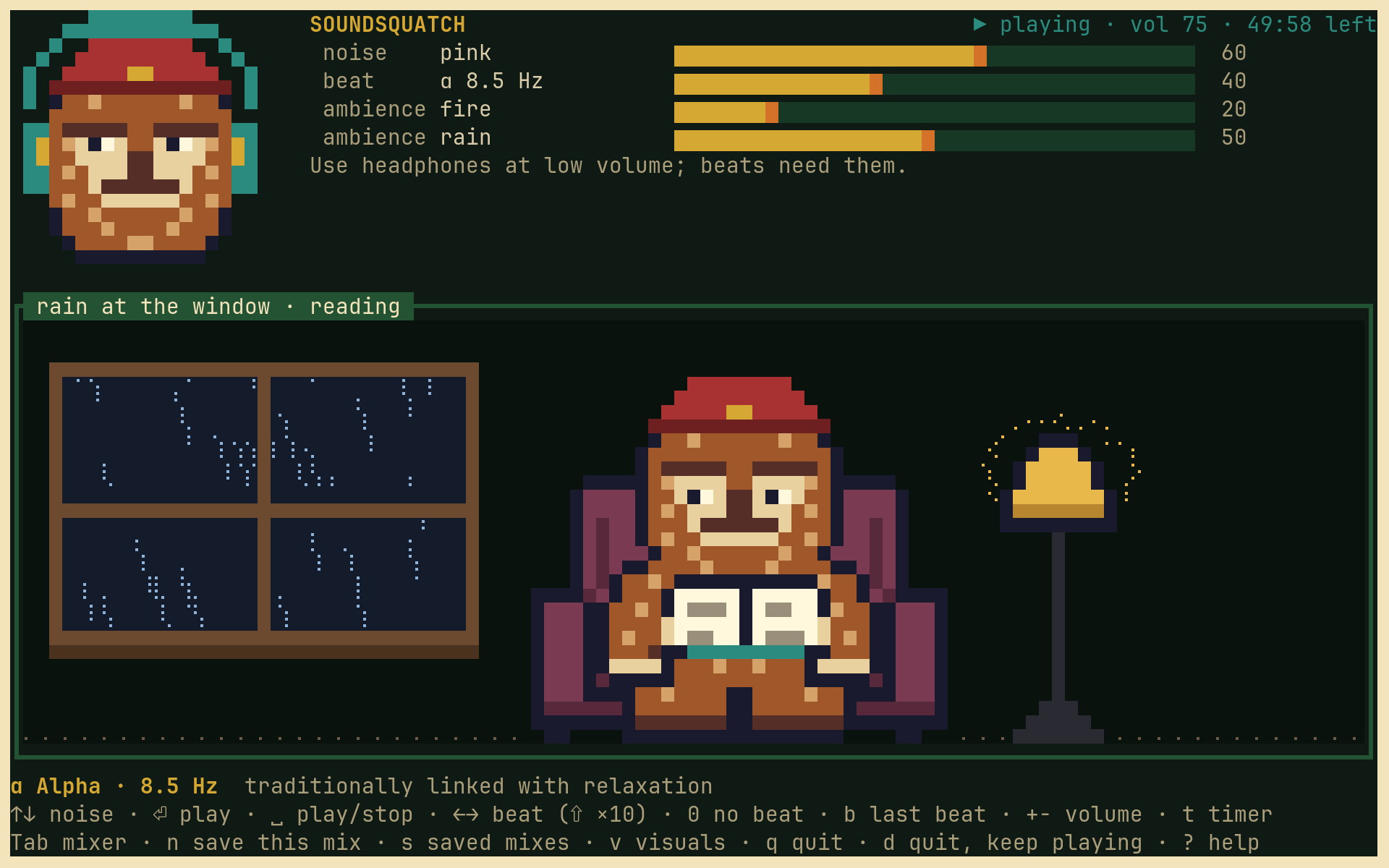
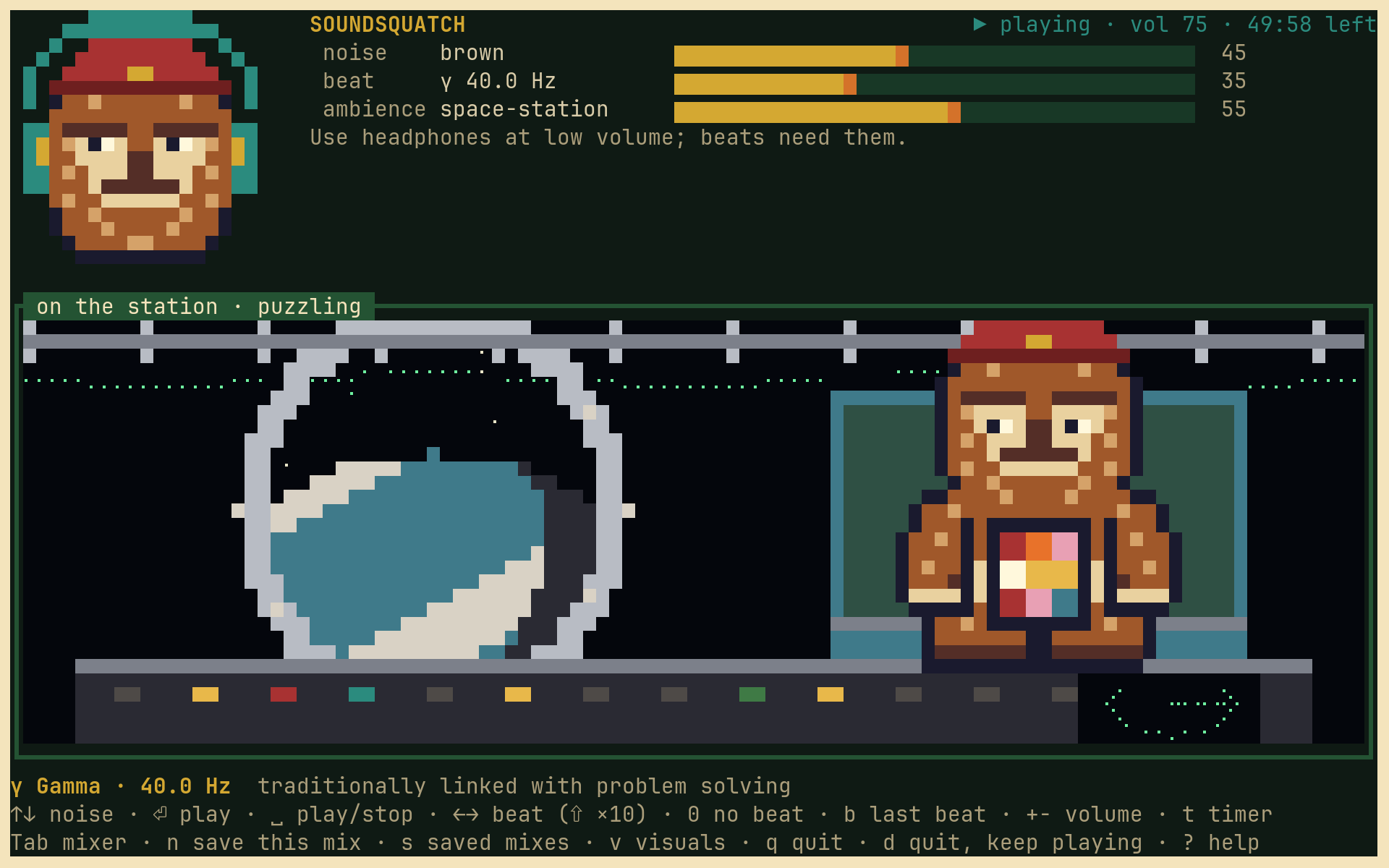
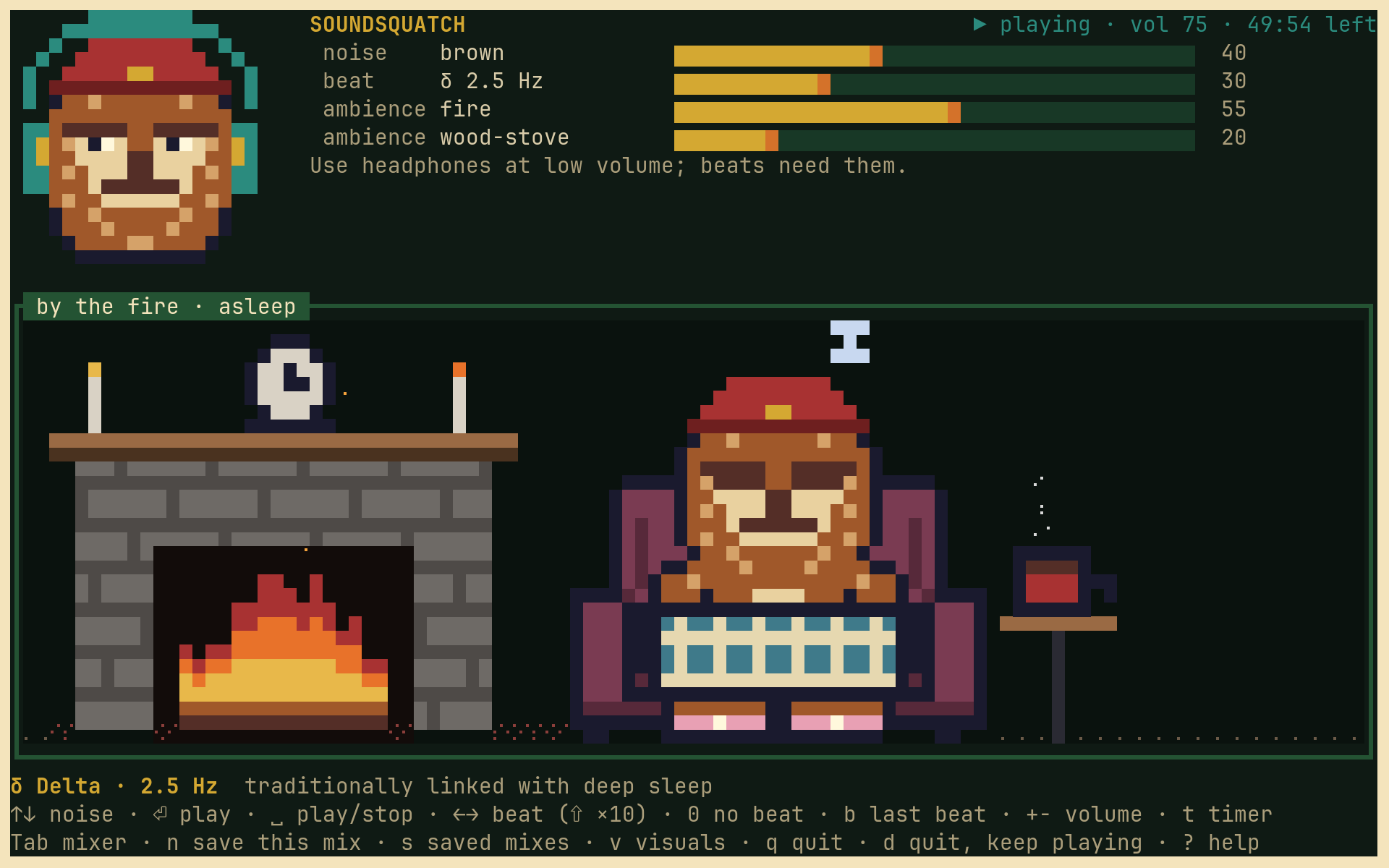
NOISE
Five colours, generated live from the first sample to the last. Nothing loops, so there's no seam to start noticing an hour in. Left and right are independent, so the sound sits around you rather than in the middle of your head.
- whiteFlat across the spectrum. Bright, hissy.
- pinkFalls 3 dB per octave. Like steady rain.
- brownFalls 6 dB per octave. A deep, low rumble.
- greyShaped to the ear's equal-loudness curve, so no band stands out.
- greenPink noise centred around 500 Hz. Soft at both ends.
BINAURAL BEATS
Two pure tones, one per ear, a few hertz apart. Your brain hears the difference as a slow pulse. Slide anywhere from 0 to 50 Hz in half-hertz steps; the tones glide to the new beat without a click.
Beats need headphones: each ear has to get its own tone. The labels are what each band is traditionally associated with. Soundsquatch describes the sound and makes no promises about what it does to you.
AMBIENCE
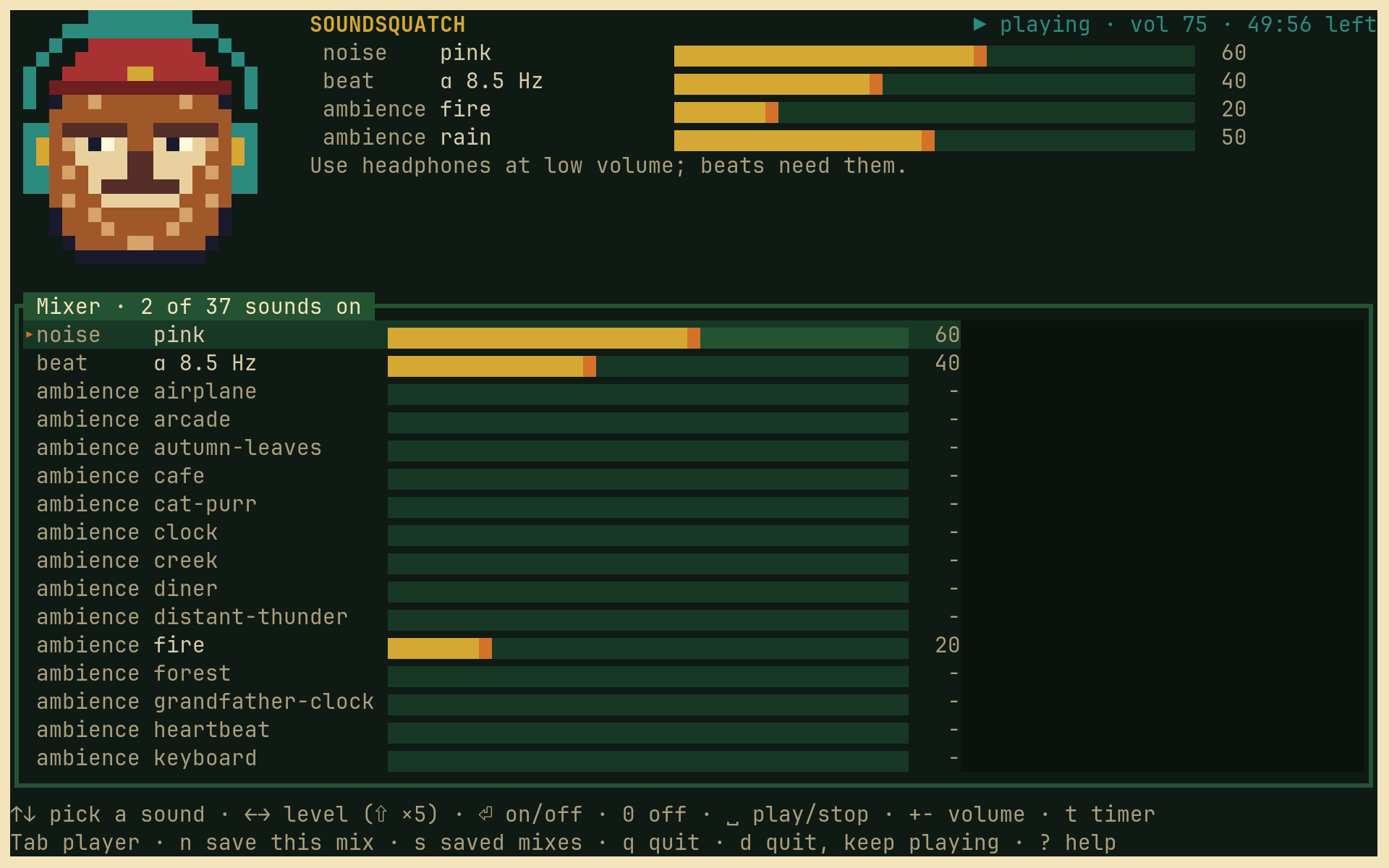
Layer up to 16 sounds over the noise and the beat, each at its own level. However many you stack, the whole mix stays under the loudness cap.
GENERATED LIVE
These five never loop.
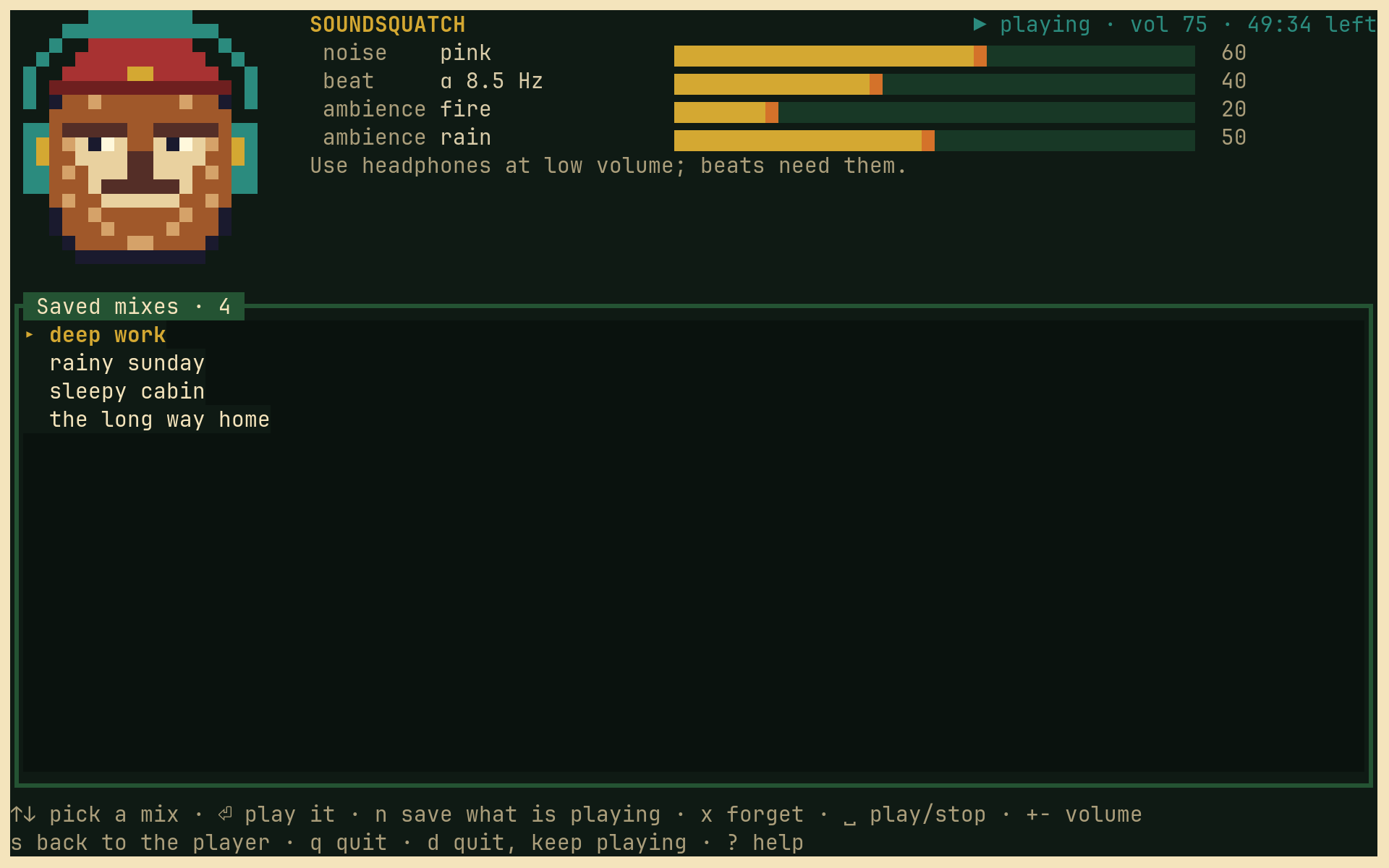
SAVED MIXES
A mix is everything you set: the noise colour and its level, the beat and its level, and the level of every ambience you've layered. Name one you like and bring it back in one key.
- s open the shelf
- n save what's playing, under a name
- Enter play the one you've picked
- x forget it
They live in ~/.config/soundsquatch/mixes.json. The master volume and the timer
stay out of it, so loading a mix never changes how loud the room is or how long you have left.
EASY ON THE EARS
Every layer is levelled to the same loudness and the whole mix is capped, so stacking another sound on top doesn't jump at you. The top of the dial is properly loud, though — find your level and leave the volume there.
Changes crossfade, and stopping or a finished timer fades out. Nothing hard-cuts.
THE MANUAL
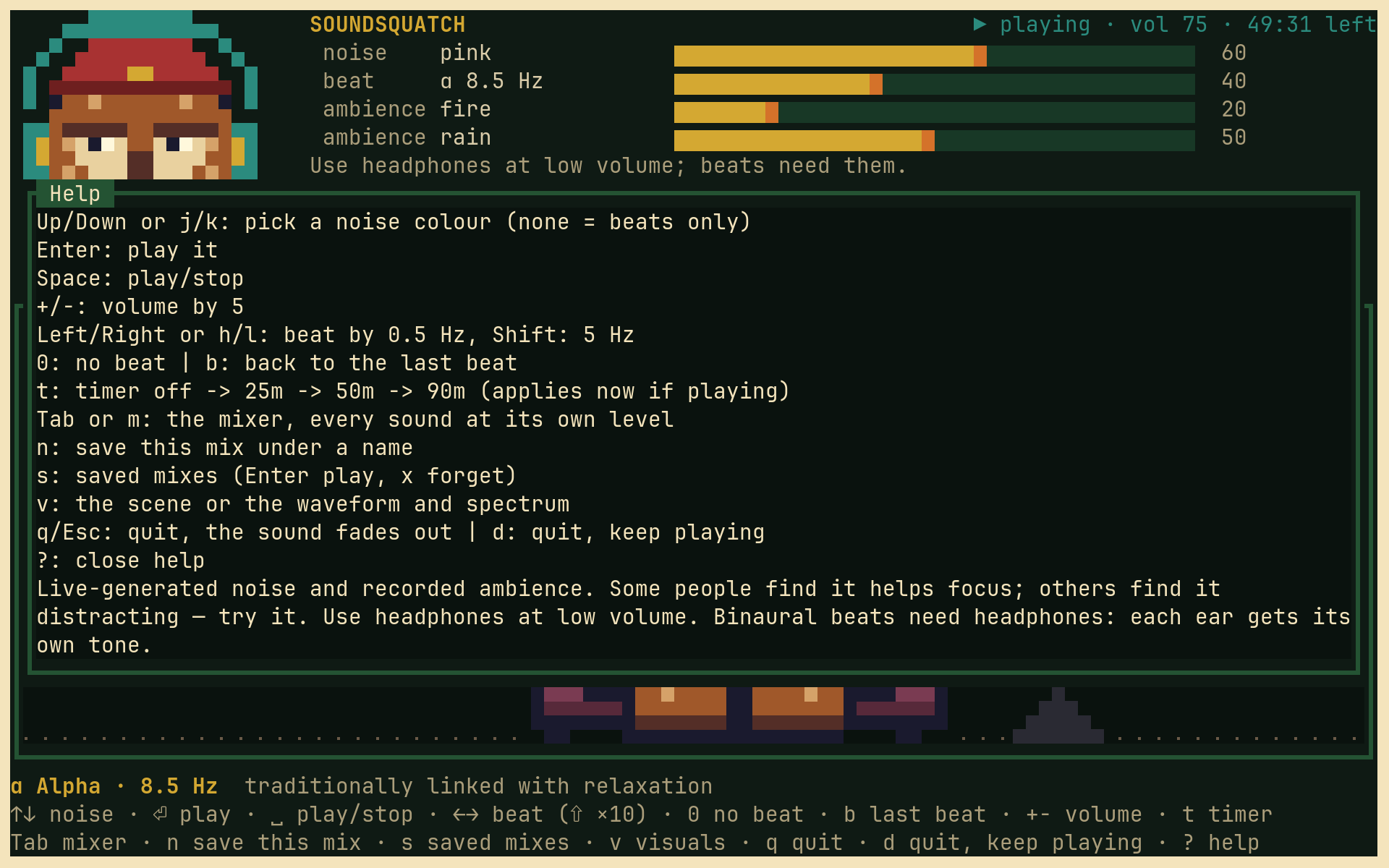
The same list is in the app, on ?.
KEYS
COMMANDS
Everything the keys do, without opening the window.
$ soundsquatch                       # open the mixer
$ soundsquatch play brown --timer 50m
$ soundsquatch beat 8.5
$ soundsquatch level rain 40         # any sound, 0-100
$ soundsquatch ambience              # list every sound
$ soundsquatch mix save "deep work"  # list, load and delete too
$ soundsquatch volume 60
$ soundsquatch stop                  # toggle and status too
$ soundsquatch status --follow --json # for your own bar or scripts
UNDER THE HOOD
A small Rust engine runs as a systemd user service and plays through PipeWire. The terminal UI and the
command line are both clients of the same engine. Quitting the mixer fades the sound out; press d
to leave it playing and close the window.
Linux only for now. On Omarchy it gets a launcher entry and Super Shift Alt N to open it.
WHEN?
Not released yet. He's still in the workshop with his headphones on. Releases get posted on GitHub first.