RETRO PACK
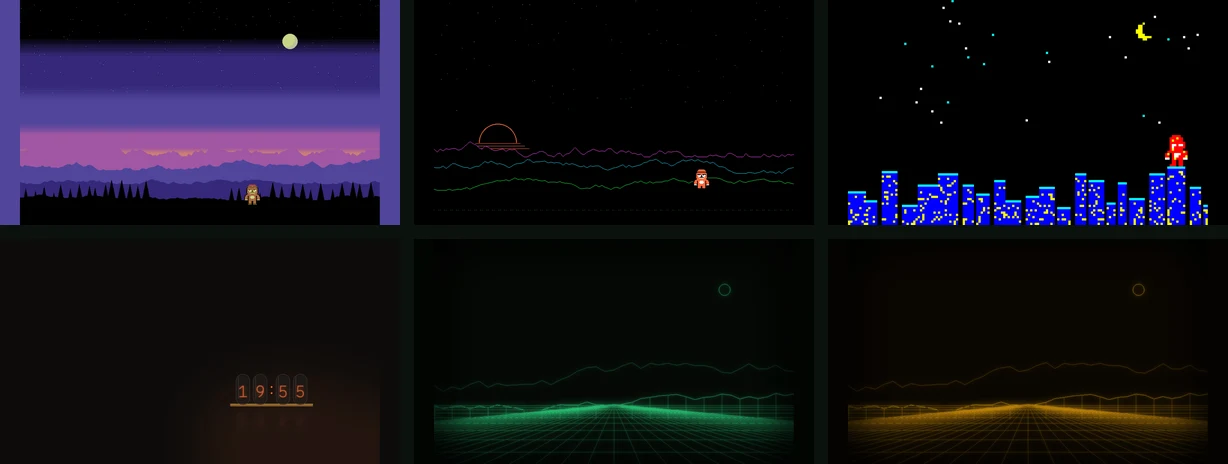
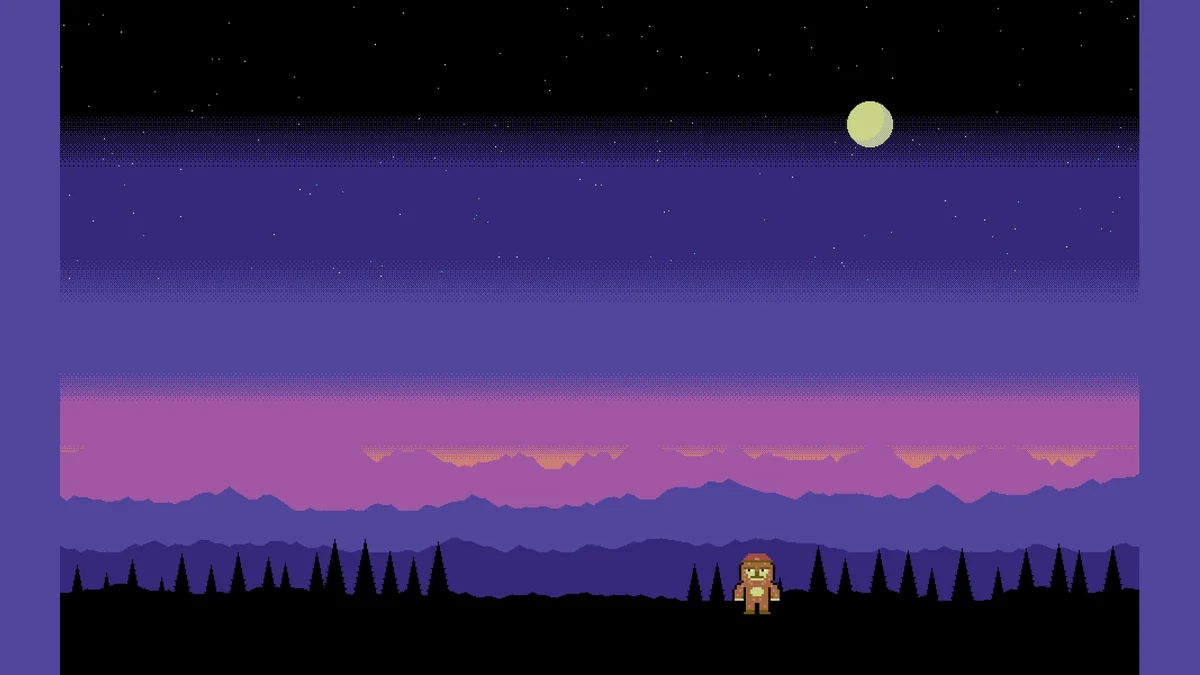
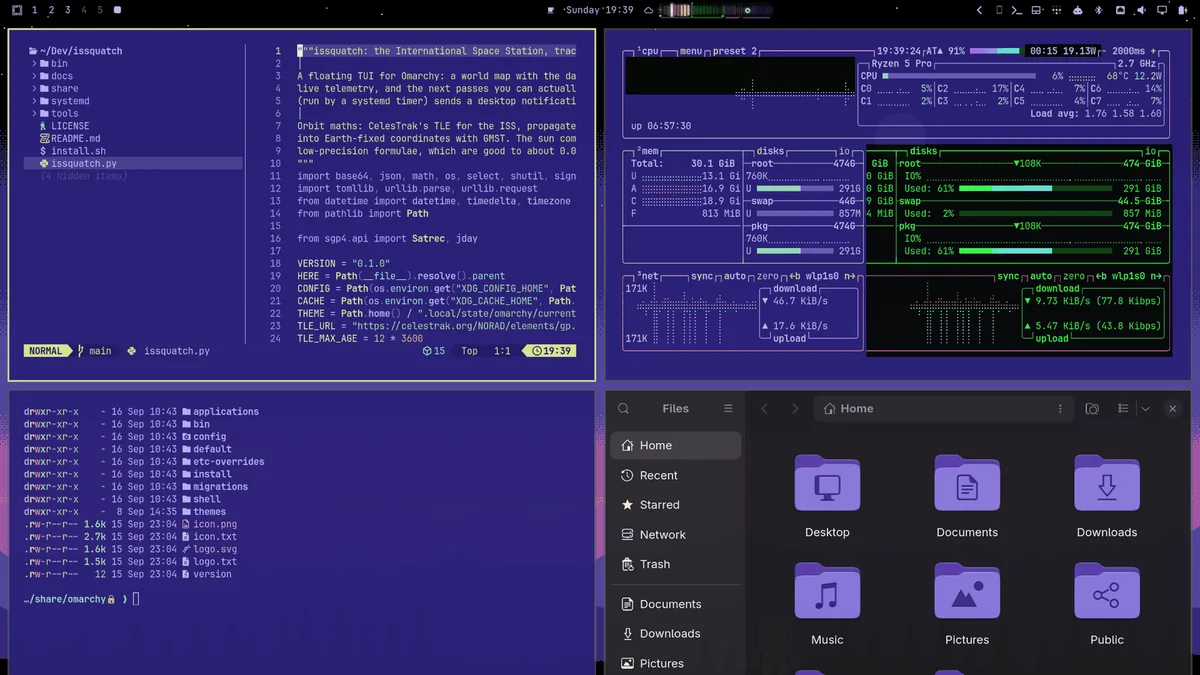
Six Omarchy themes for the machines that raised us. Commodore 64, Apple II, Teletext, nixie tubes and two phosphor monitors. Keep an eye out for the squatch.
INSTALL
One line per theme. Each is its own repo, so take the ones you like. For example:
$ omarchy theme install https://github.com/squatchware/omarchy-c64-theme
Then pick it with Super Ctrl Shift Space or omarchy theme set C64.
THE MACHINES
omarchy theme install https://github.com/squatchware/omarchy-c64-theme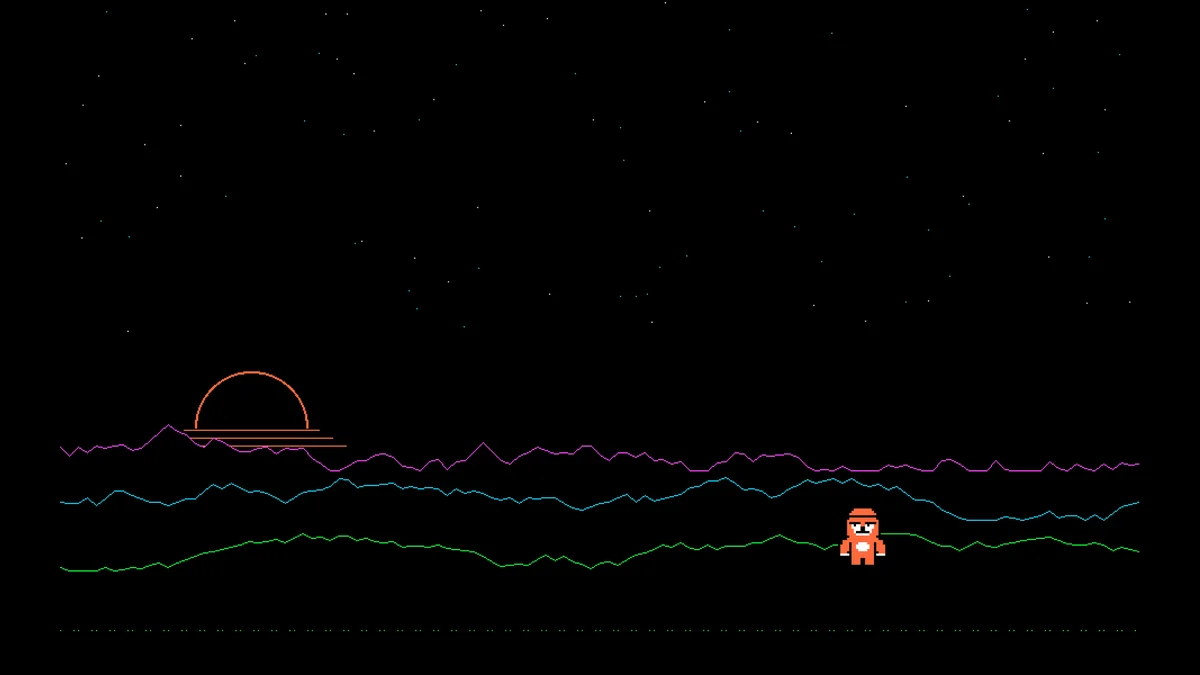
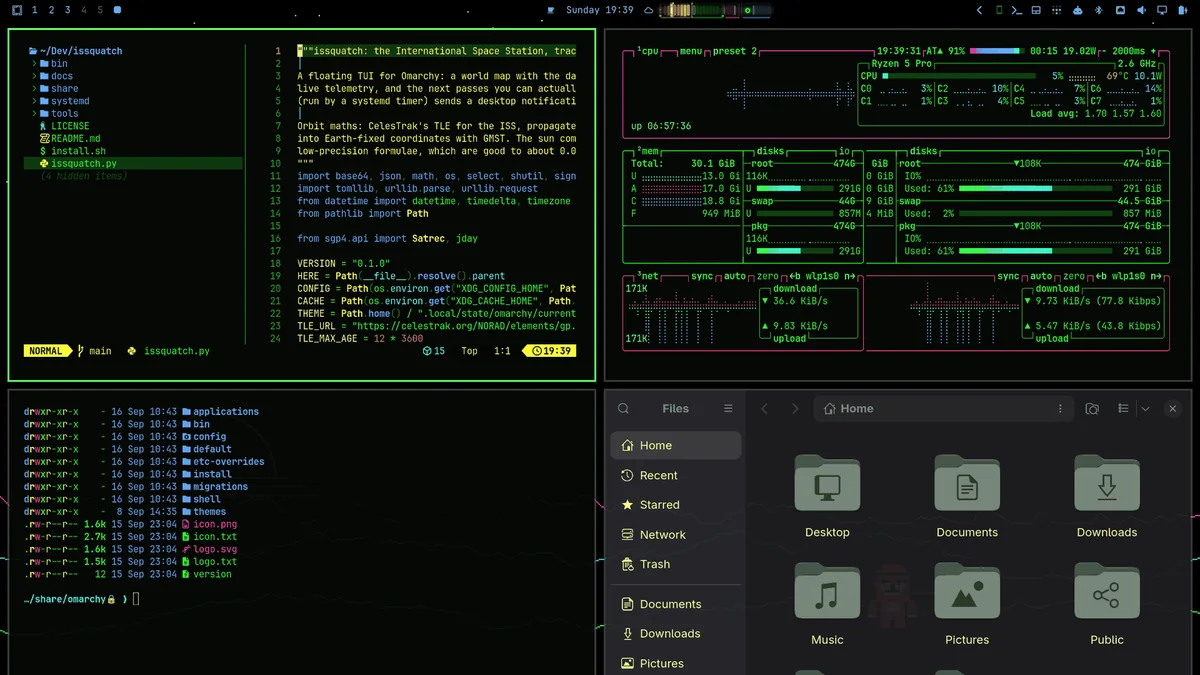
omarchy theme install https://github.com/squatchware/omarchy-apple-2-theme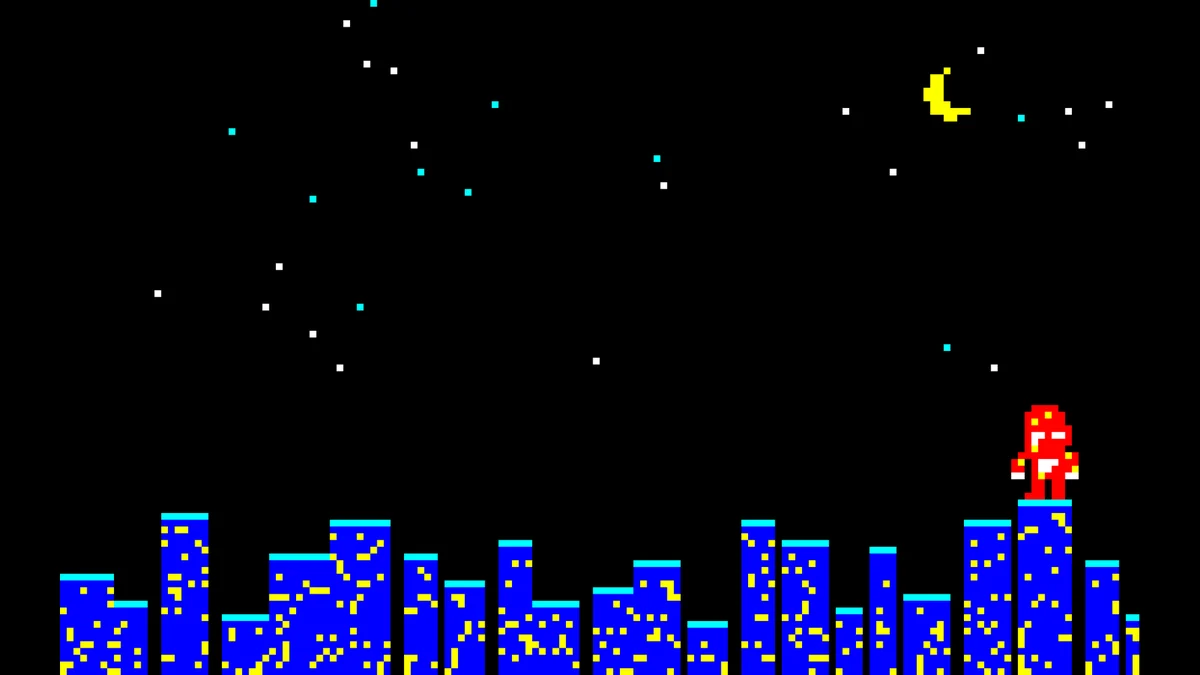
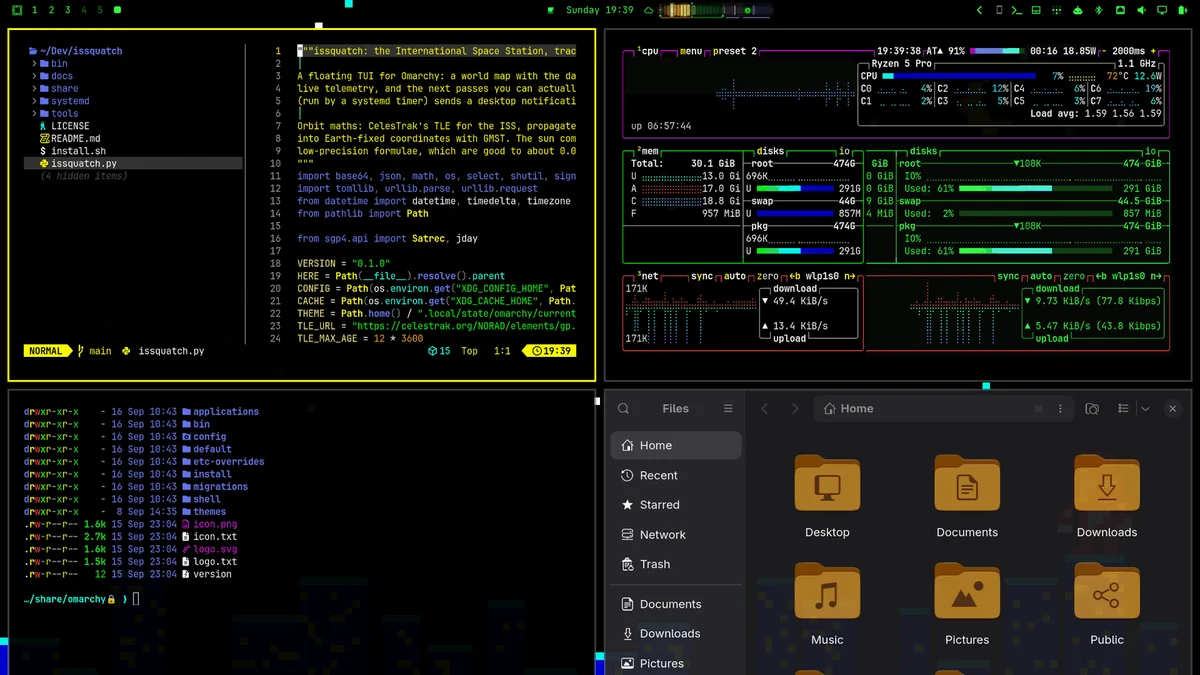
omarchy theme install https://github.com/squatchware/omarchy-teletext-theme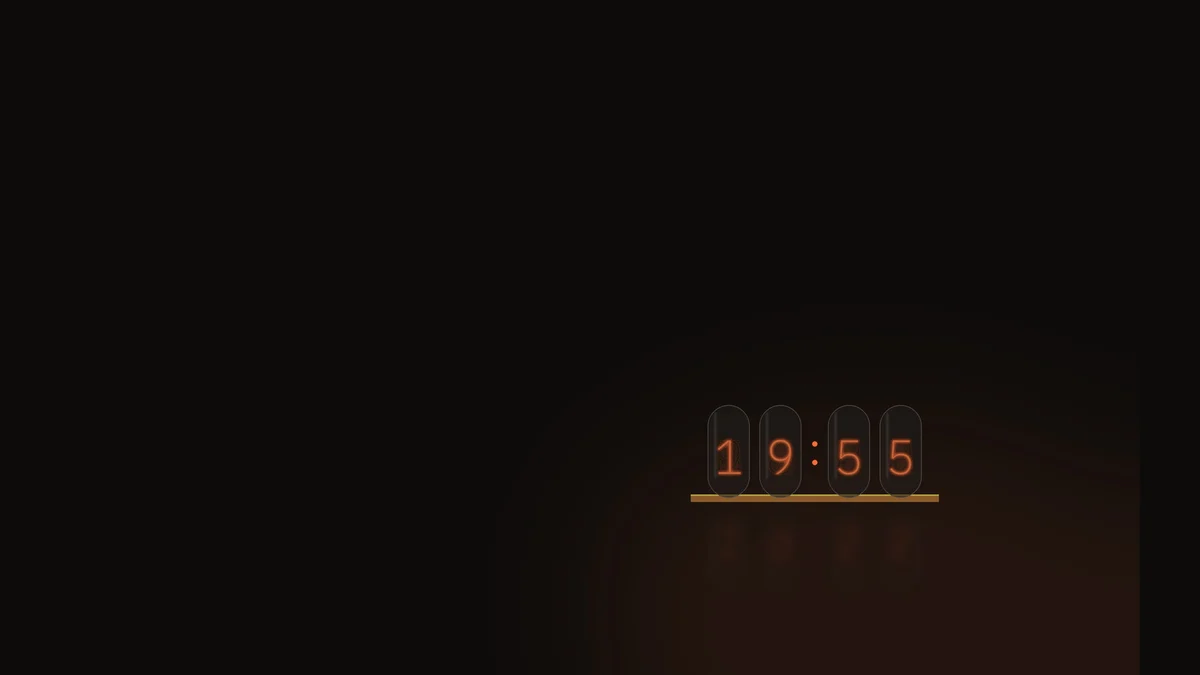
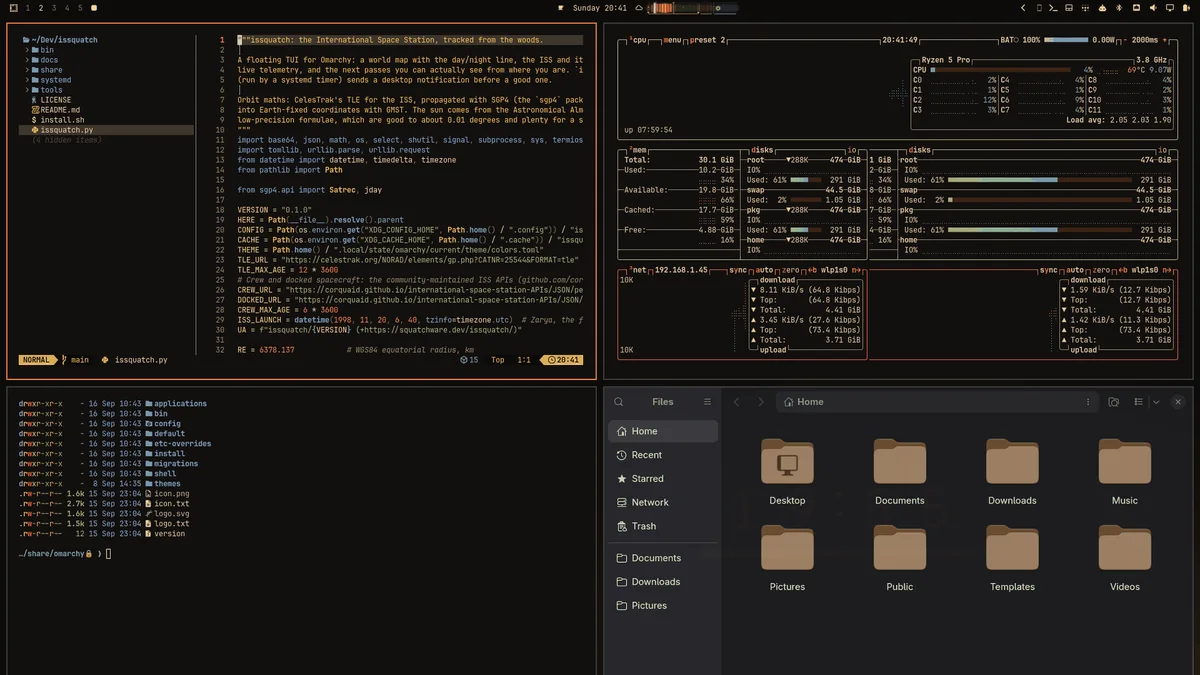
omarchy theme install https://github.com/squatchware/omarchy-nixie-theme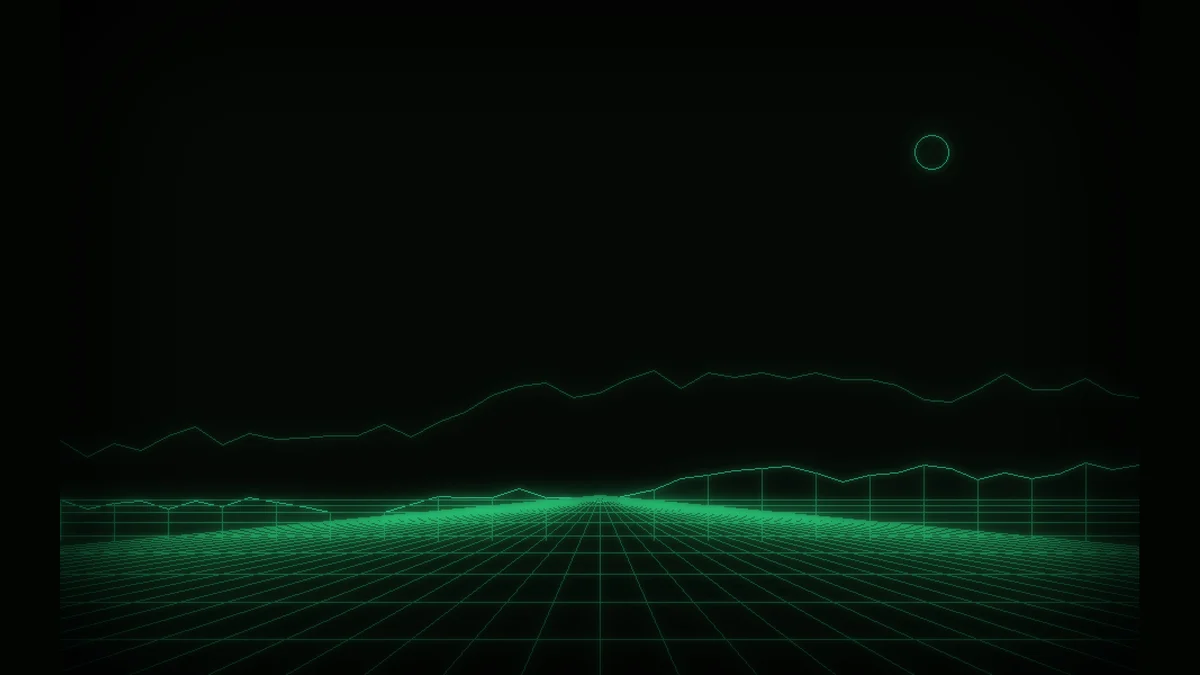
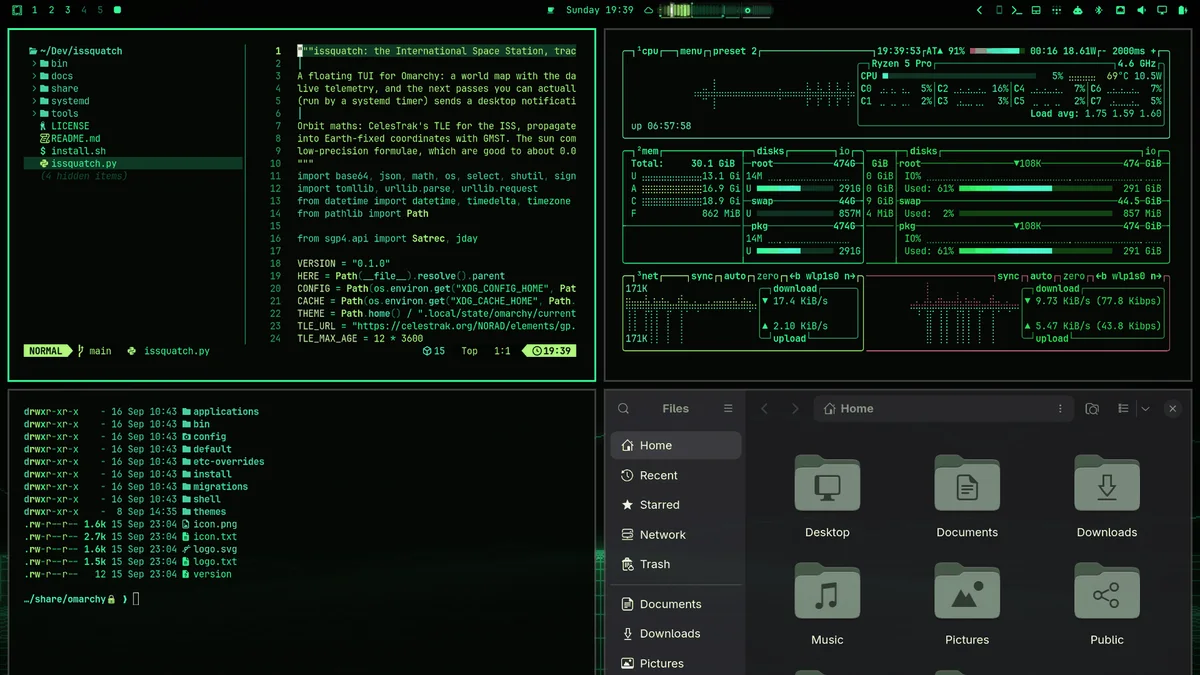
omarchy theme install https://github.com/squatchware/omarchy-phosphor-green-theme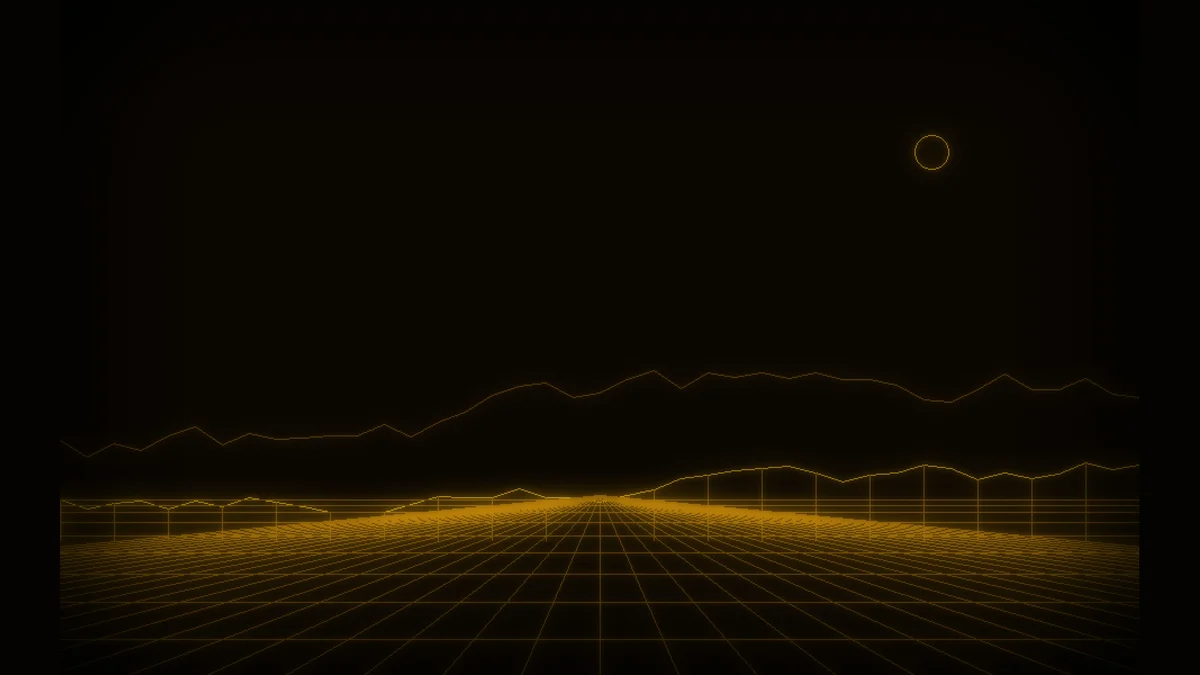
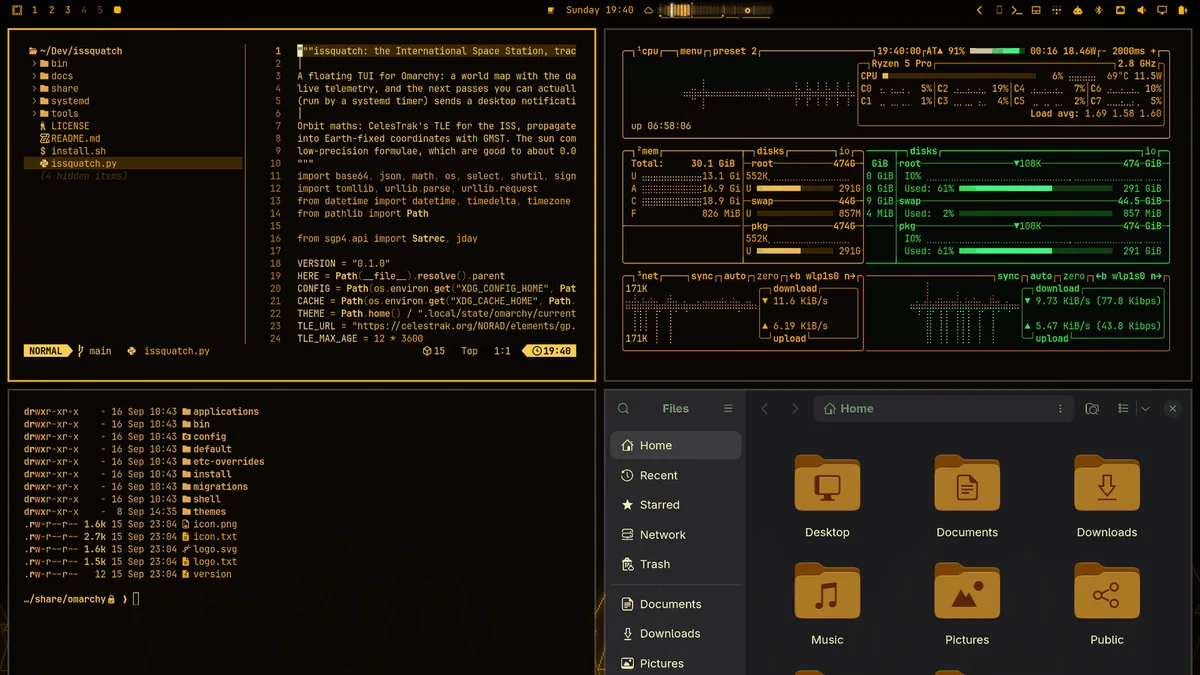
omarchy theme install https://github.com/squatchware/omarchy-phosphor-amber-themeBOOT SCREENS AND SCREENSAVERS
Each machine starts up the way it used to. The same picture is the lock screen and, if you want it, the boot splash. Each theme also brings screensaver art for Omarchy's animated screensaver.
![Six boot splashes: a C64 blue screen reading SQUATCH 64 and READY, a green SQUATCH ][ prompt, a mosaic sasquatch head beside a yellow SQUATCHFAX title, four nixie tubes reading 19:55, and green and amber SQUATCHWARE BIOS boot screens.](/retro/splashes.webp)
$ ~/.config/omarchy/themes/c64/extras/install-extras.sh          # screensaver
$ ~/.config/omarchy/themes/c64/extras/install-extras.sh --boot   # + boot splash (sudo)
The screensaver hook is one small script shared by every Squatchware theme: it uses the active theme's art and gives you your own back when you switch to anything else.
WHAT'S IN EACH ONE
The real palettes come first. Where a real colour is too dim to read as text (the C64's light blue on blue, Teletext's pure blue on black), it's lifted just enough to pass. The phosphor themes stay monochrome but keep a little hue in each ANSI colour, so errors still look like errors.
GET THEM
Free and MIT licensed. Found the squatch in all six?